 AI & ML
Quick answer: Cloud, On-Premise or Hybrid AI?
Cloud AI: Flexibility without ownership. You pay for usage, you scale on demand. Best for: experiments, unpredictable workloads, short projects (< 2 years).
On-Premise AI: Full control and predictable long-term costs. Best for: stable workloads, compliance requirements, 3-5+ year projects.
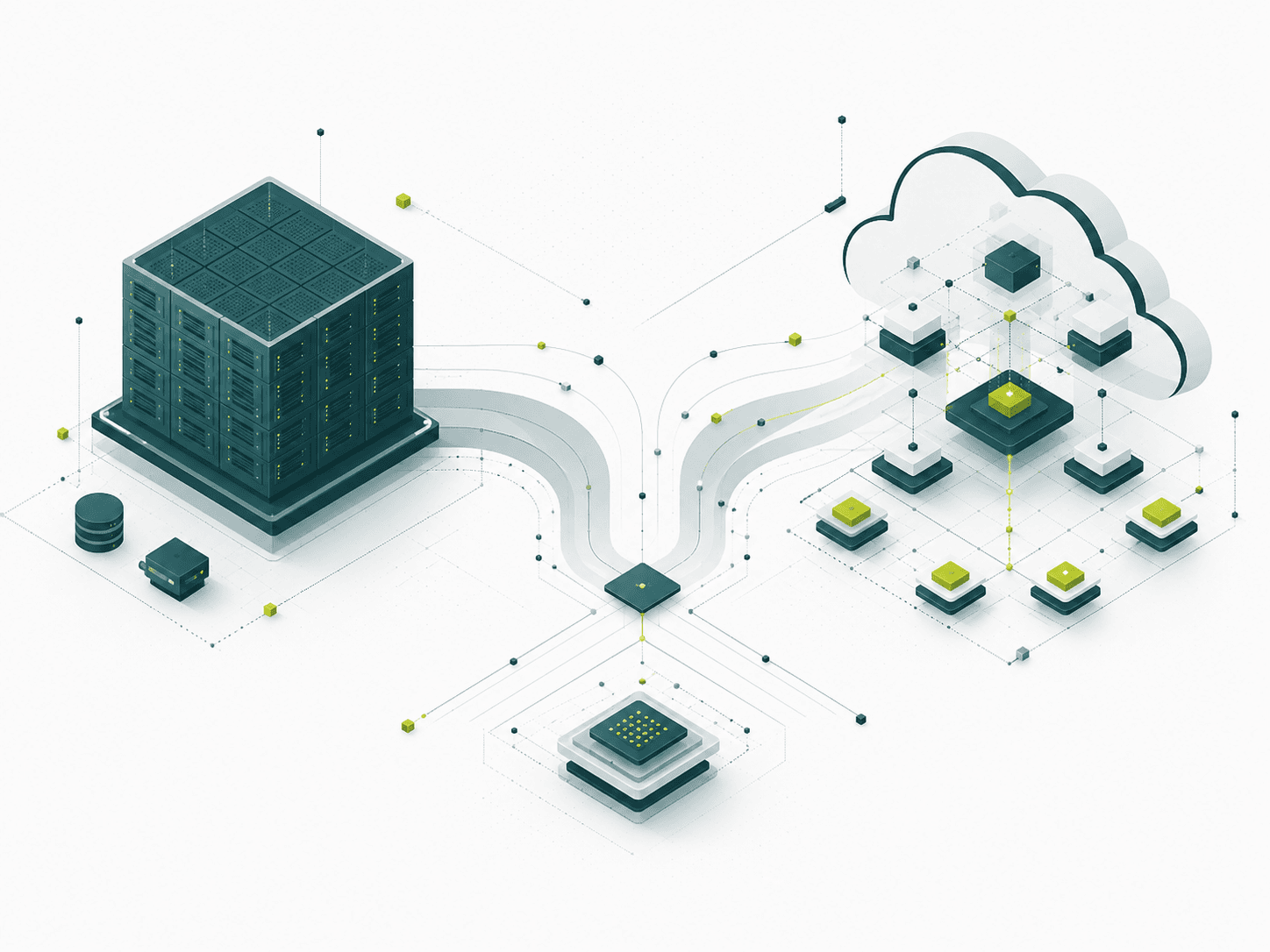
Hybrid AI: This is where most companies end up. Stable workloads on-premise, experiments in the cloud.
Cost: Cloud seems cheaper (zero upfront), but on-premise reaches break-even after 12-18 months. Long term, on-prem is 40-60% cheaper.
The key decision: Not "where", but "why" - match the infrastructure to the workload, not the other way around.
The real question isn't "where", but "why"
Every organization moving to the next stage of AI maturity faces the same quiet turning point – the moment when experimentation becomes real infrastructure. Suddenly, decisions about where your AI runs start to shape the performance, security and rhythm of your entire operation.
This is where the real question begins: not where your AI lives, but why it should live there.
Think of it like warehousing. Cloud is like renting space in a massive, high-tech logistics center – flexible, scalable and ready when you need it. On-premise means building and managing your own facility – more control, but also more responsibility.
Each model has its own costs, commitments and level of control. Understanding these trade-offs helps you build AI foundations that fit your business – not the other way around.
Data from the AI infrastructure market (2024-2025)
According to Gartner and IDC research:
- 65% of organizations use a hybrid model (cloud + on-premise)
- On-premise break-even: 12-18 months for stable workloads
- Long-term savings: 40-60% with on-premise vs cloud (3-5 year horizon)
- Main reasons for choosing cloud: deployment speed (78%), no upfront cost (65%), scalability (82%)
- Main reasons for choosing on-premise: compliance (71%), long-term costs (64%), latency (43%)
Cloud AI - Flexibility without ownership
Running AI in the cloud means your workloads sit on infrastructure managed by someone else. You don't buy servers. You rent compute power, storage and tools – and pay based on what you use.
This works when you're still figuring out the details. An e-commerce company testing personalized product recommendations during the holiday season can't predict whether traffic will double or quadruple. A marketing team experimenting with AI-generated content doesn't know whether the feature will survive three months or three years. Cloud lets you scale up when you need to and scale down without getting stuck with hardware you don't use.
Cloud AI advantages:
- No initial investment - pay-as-you-go model
- Instant scalability - more power in minutes, not months
- Someone else handles updates, security patches and hardware failures
- Access to the latest GPUs/TPUs without buying them
- Global distribution - easy multi-region deployment
Cloud AI disadvantages:
- Monthly costs grow with usage - for steady workloads it can be more expensive long term
- Less control over configuration and security policies
- Data transfer costs - moving large datasets in/out is an extra cost
- Vendor lock-in - migrating between providers (AWS, Azure, GCP) can be complex
- Latency - data has to travel to the data center and back
When does cloud make sense?
- Startups testing ideas without capital for infrastructure
- SaaS companies with unpredictable growth
- Experimental projects (MVPs, prototypes)
- Seasonal workloads (e-commerce, retail)
- When you need fast deployment (days, not months)
If you need to move fast and don't want to commit to hardware before you know what works, cloud gives you that freedom.
On-Premise AI - Control and predictability
This is your own infrastructure. You buy servers, install them in your data center or colocation facility and manage everything – from performance to access.
This makes sense when workloads are stable and requirements are known. A healthcare provider analyzing medical imaging can't send patient data to external servers – regulations don't allow it. A manufacturer inspecting products on the assembly line needs AI responses in milliseconds, not after the data travels to a distant data center and back. On-premise puts compute where the work happens, with costs that become predictable after the initial investment.
On-Premise AI advantages:
- Full control over infrastructure, data and security
- Predictable costs after the initial investment
- No dependency on external vendors
- Minimal latency - compute close to the data
- Compliance - data never leaves your infrastructure
- Long-term cost efficiency - break-even after 12-18 months
On-Premise AI disadvantages:
- High initial investment - PLN 100-500k+ depending on scale
- Ongoing responsibility for maintenance and scaling
- Requires in-house technical expertise (DevOps, infrastructure)
- Longer deployment time - months, not days
- Capacity planning - you have to forecast needs in advance
When does on-premise make sense?
- Finance, healthcare, manufacturing - where compliance isn't optional
- Stable, predictable 24/7 workloads
- Long-term projects (3-5+ years)
- Real-time applications requiring low latency
- When you have a team to manage the infrastructure
You see this in finance, healthcare, manufacturing and government – industries where AI runs continuously and where compliance matters more than convenience. It's the right choice when data sovereignty and long-term cost efficiency outweigh the need for fast iterations.
Hybrid AI - Strategic placement of workloads
Here's what most organizations actually do: they use both.
Think of an insurance company that processes routine claims on-premise, where costs stay predictable, but bursts to the cloud quarterly for model retraining. Or a logistics company that keeps customer data local for privacy while testing new forecasting models in the cloud. Hybrid means placing stable, sensitive work where you control it, and experimental work where it's flexible.
Why hybrid works:
- Flexibility where you need it, control where it matters
- Cost efficiency for stable workloads, flexibility for everything else
- Compliance without sacrificing innovation
- Best of both worlds - on-prem stability + cloud agility
What hybrid requires:
- Managing two environments with secure data flow
- A clear strategy for what lives where and why
- Teams comfortable working in both models
- Orchestration tools (Kubernetes, Docker, CI/CD pipelines)
An example hybrid architecture:
On-Premise:
- Production inference models (24/7, low latency)
- Sensitive customer data (PII, medical, financial data)
- Core business logic and critical systems
Cloud:
- Model training and retraining (compute-intensive, periodic)
- Experiments and testing of new models
- Burst capacity during peak loads
- Development and staging environments
This works when different parts of your AI need different things. Maybe you handle sensitive customer data that can't leave your infrastructure, but you also want to experiment quickly with new features. Or you run core operations locally for cost reasons, but need extra power during peak periods. Hybrid lets you split the difference – you don't choose one approach for everything, you choose the right approach for each specific need.
Hidden factors that influence the decision
1. Costs over time - the real math
Cloud seems cheaper at first – zero upfront cost. But for sustained workloads, on-premise typically reaches break-even within 12-18 months. After that, owning beats renting.
An example calculation (an average AI project):
| Period | Cloud (monthly) | On-Premise (total) |
|---|---|---|
| Year 1 | PLN 10,000/mo = PLN 120k | PLN 200k (setup) + PLN 20k (ops) = PLN 220k |
| Year 2 | PLN 120k | PLN 30k (ops only) |
| Year 3 | PLN 120k | PLN 30k |
| Total (3 years) | PLN 360k | PLN 280k |
On-premise savings: ~22% after 3 years
It's like leasing a car versus buying one – if you drive daily for years, ownership makes more financial sense.
2. Data transfer
Moving large datasets to and from the cloud isn't free. If you train models in the cloud but need the results back in your systems, those transfer fees become a regular line item. For organizations processing massive amounts of data daily, this is not trivial.
Example: Transferring 1TB of data out of AWS = ~$90 (≈PLN 370). For companies processing 10TB+ per month = PLN 3,700+ for transfer alone.
3. Latency - response time
Real-time applications need millisecond response times. A fraud detection system can't wait for data to travel across the internet and back. On-premise keeps everything local. Cloud adds distance, and distance adds delay.
- On-premise: < 5ms typically
- Cloud (same region): 10-50ms
- Cloud (cross-region): 50-200ms+
4. The regulatory reality
Some data legally cannot leave your infrastructure. Medical records, financial transactions, government data – compliance often decides where your AI lives before you run a single cost calculation.
Examples:
- GDPR: EU citizens' data must be in the EU
- HIPAA (US healthcare): Requirements on where and how patient data is stored
- Banking sector: Regulations on storing transaction data
5. Operational capability
On-premise needs people who can manage physical infrastructure. If your team knows software but not data centers, cloud can be the pragmatic choice even if it costs more long term. Sometimes the right answer is the one your team can actually execute.
How to decide? A decision framework
Instead of asking "cloud or on-prem?", ask these questions:
1. Is my workload predictable or experimental?
If predictable and running consistently, on-premise will give you better cost efficiency over time. If you're still experimenting or demand fluctuates, cloud offers the flexibility to adapt without a long-term commitment.
2. Do I have regulatory constraints?
If yes, you probably need on-premise or hybrid – some data simply cannot leave your infrastructure. If no, cloud becomes a real option worth considering.
3. What is my time horizon?
Short-term projects under two years often make more sense in the cloud. Long-term workloads running three to five years or more usually favor on-premise once you factor in the total cost.
4. Can I afford the initial investment?
If not, cloud is your practical entry point – pay as you use and scale as you learn. If yes, evaluate the total cost over multiple years, not just year one, to see where the real savings appear.
5. Do I have a team to manage the infrastructure?
Cloud reduces the operational burden, which matters if you don't have in-house infrastructure expertise. On-premise requires people who can manage physical servers, so be honest about what your team can handle.
Decision Matrix
| Factor | → Cloud | → On-Premise | → Hybrid |
|---|---|---|---|
| Workload | Unpredictable, seasonal | Stable, 24/7 | A mix of both |
| Time | < 2 years | 3-5+ years | Long-term with testing |
| Compliance | No requirements | Strict regulations | Partial requirements |
| Budget | Low upfront | High upfront OK | Medium |
| Team | Software focus | Infra expertise | Both competencies |
It's not about Cloud vs On-Prem – it's about fit
Most organizations don't choose one model forever. They start in the cloud to experiment. They move predictable workloads on-premise for cost efficiency. They keep cloud capacity for bursts and new projects.
The goal isn't to pick the "best" infrastructure. It's to build foundations that adapt as your AI matures – ones that scale with your goals, not against them.
Need help choosing your AI infrastructure?
Mandala Software House helps companies design the optimal AI architecture - cloud, on-premise or hybrid.
What we offer:
- Infrastructure assessment - analysis of your needs and workloads
- Cost modeling - a TCO comparison of cloud vs on-premise for your case
- Architecture design - designing the optimal infrastructure
- Implementation support - deployment and configuration
Get in touch:
- Email: hello@mandala.sh
- Phone: 505 381 555
- Web: mandala.sh
Don't follow the hype. Follow your workload.